2. Original vs Compatible Toner Cartridges
When shopping for toner cartridges, you will generally find two types available: original (OEM) cartridges and compatible cartridges.
Original toner cartridges are manufactured by the same brand as your printer, such as HP or Canon. They are designed specifically for the printer model and usually provide reliable performance and consistent print quality. However, they are often more expensive.
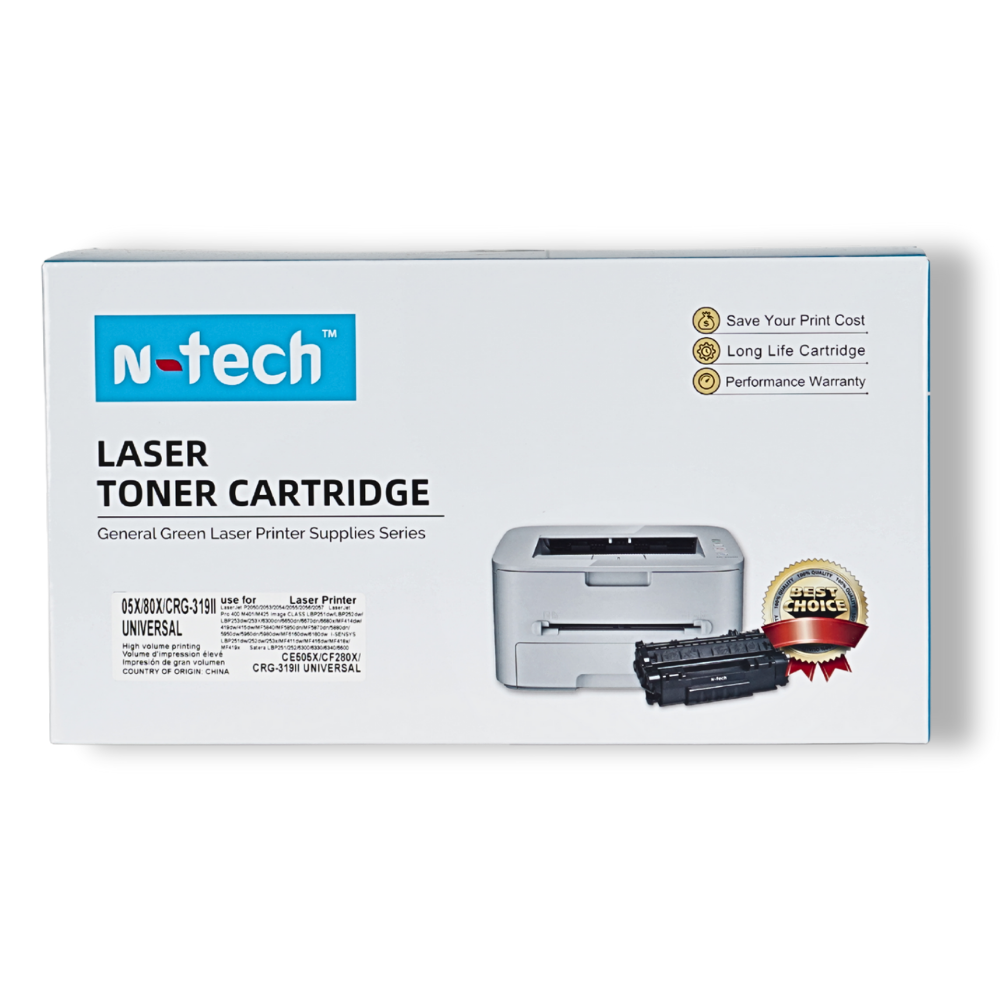
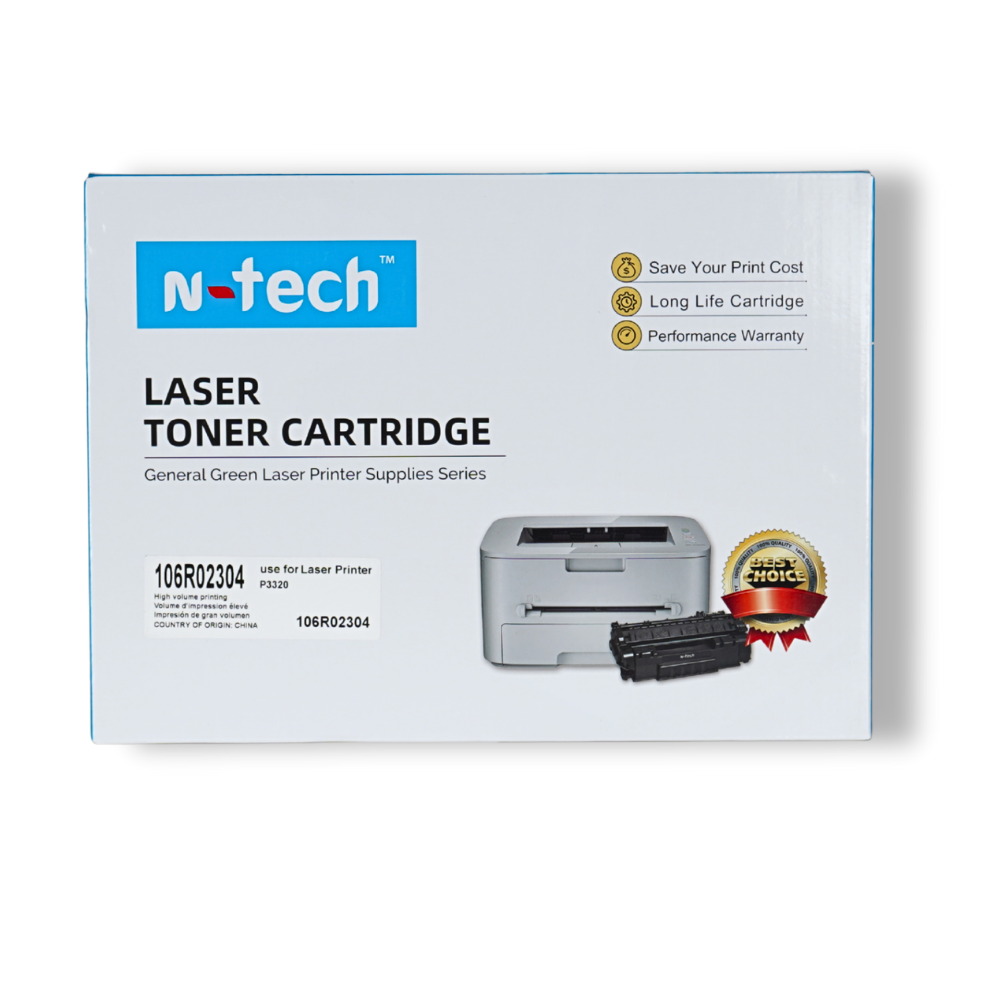
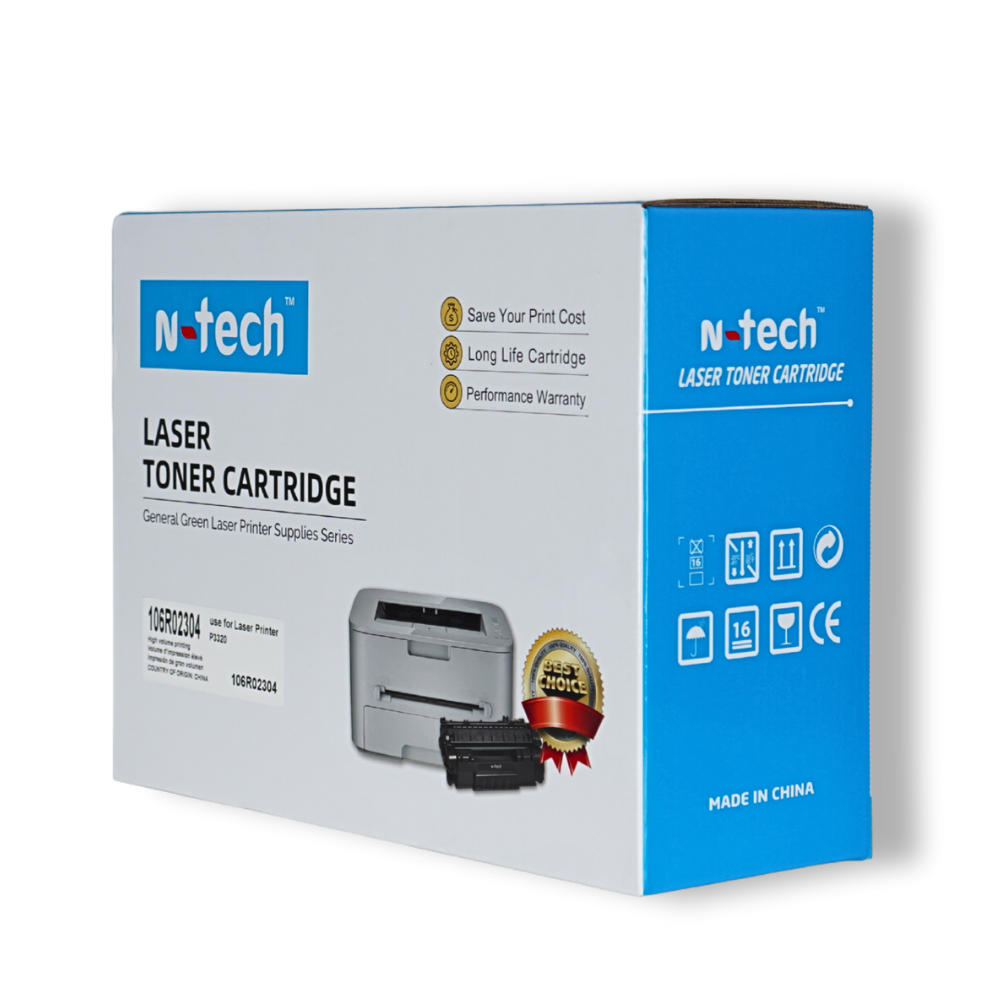
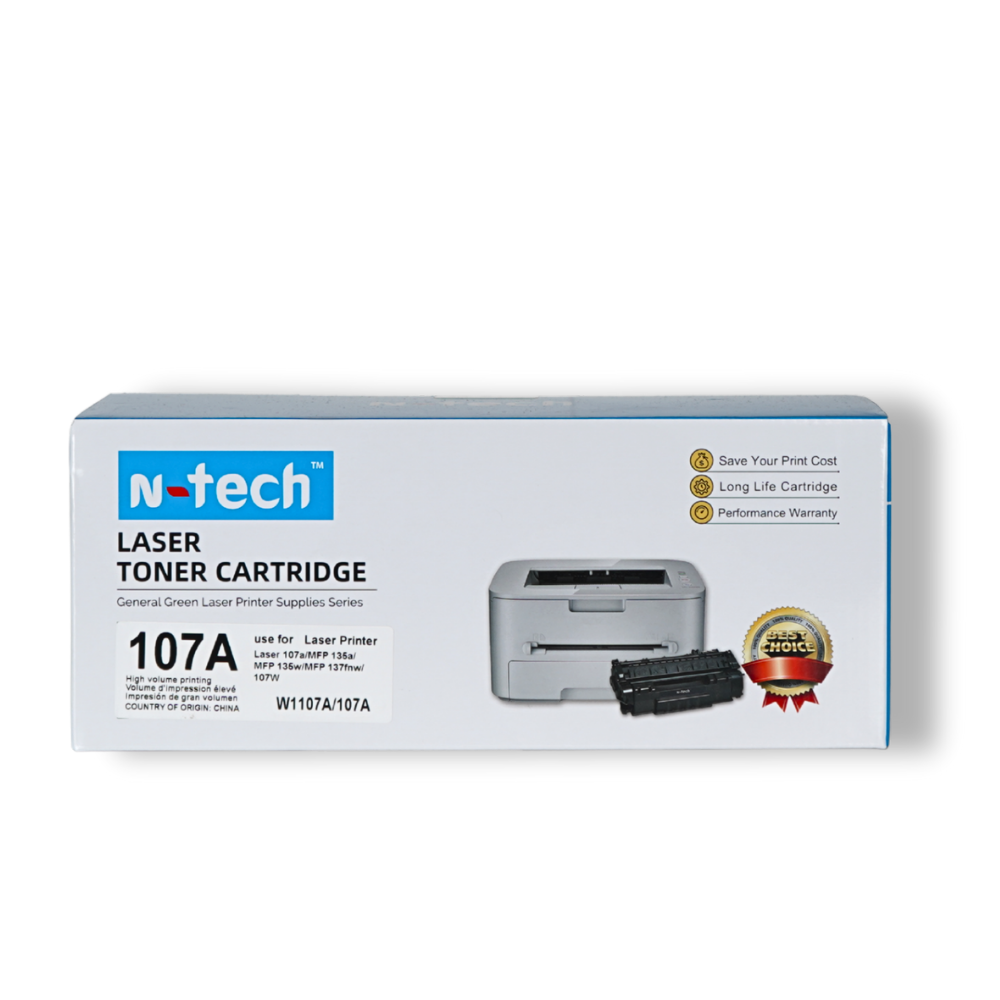
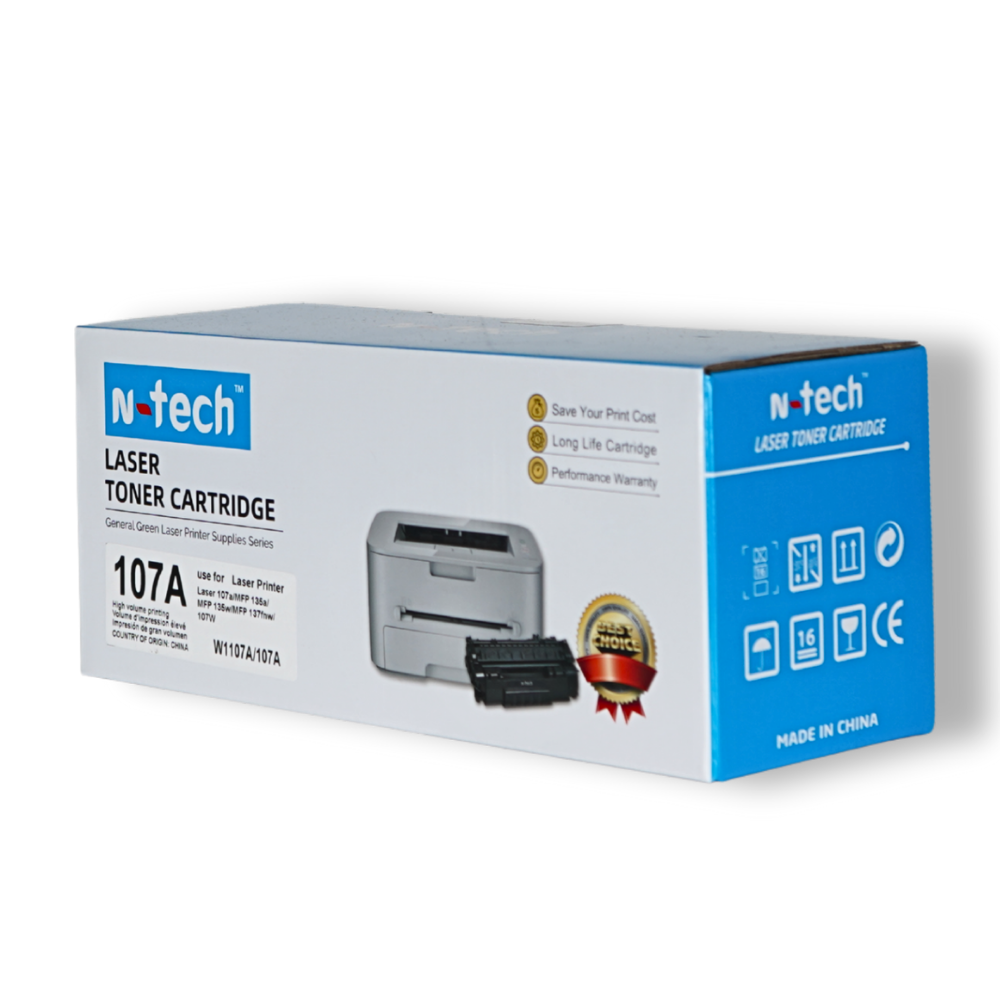
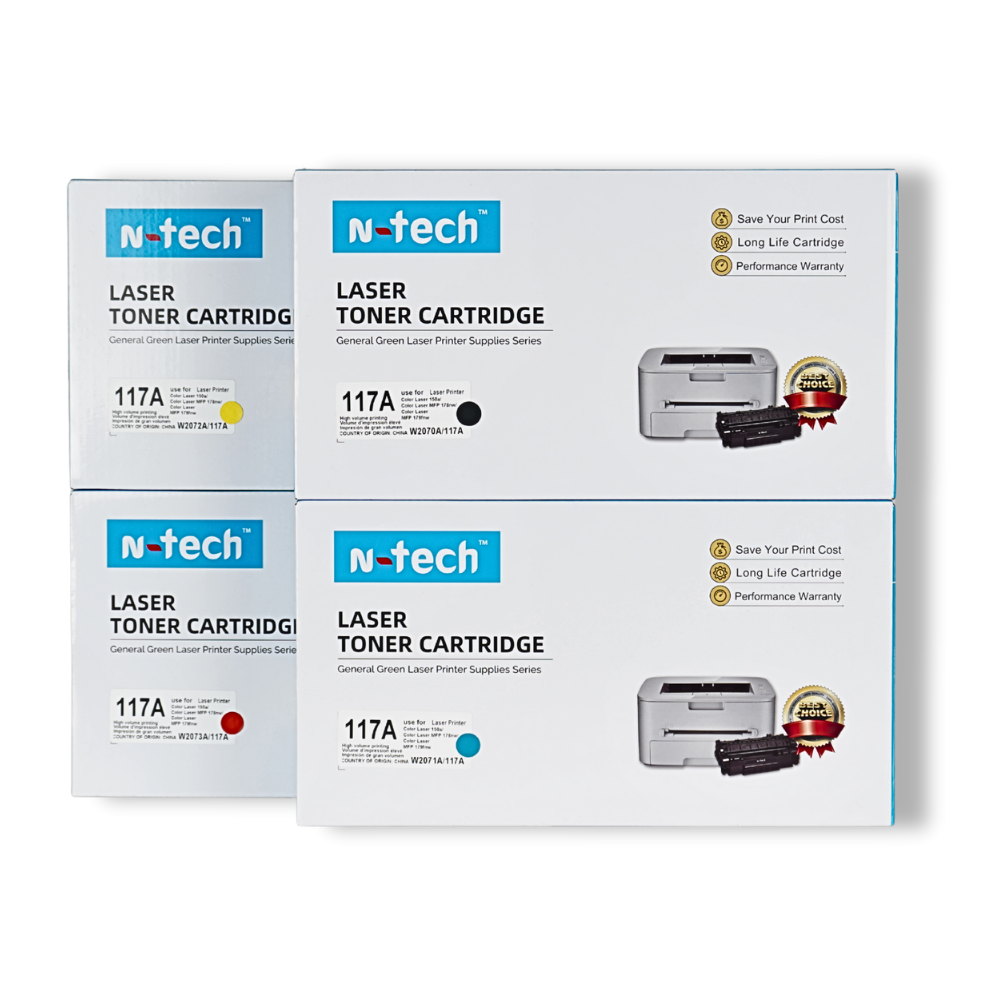
Compatible toner cartridges are produced by third-party manufacturers and are designed to work with specific printer models. These cartridges are typically more affordable and offer similar printing performance when produced by trusted manufacturers. Many businesses and offices prefer compatible cartridges because they help reduce printing costs while maintaining good quality.
3. Page Yield and Cost Efficiency
Another important factor to consider when selecting a toner cartridge is page yield, which refers to the estimated number of pages a cartridge can print before it runs out of toner.
Standard cartridges usually print fewer pages, while high-yield cartridges can print significantly more pages. If you print frequently—such as in offices, schools, or business environments—a high-yield cartridge can be more cost-effective because it reduces the number of replacements needed.
Before purchasing a toner cartridge, it’s a good idea to compare the price per page. Sometimes a cartridge with a slightly higher price can actually be more economical if it prints more pages.
4. Chip vs Non-Chip Cartridges
Some modern toner cartridges include a smart chip that communicates with the printer. This chip helps the printer monitor toner levels and ensures compatibility with the device. In certain printer models, a cartridge without the correct chip may not be recognized by the printer.
However, some compatible cartridges are designed without chips and may require transferring the chip from the old cartridge to the new one. This process is usually simple and can save money when purchasing replacement cartridges.
If your printer requires a chip-enabled cartridge, always check the product description to ensure the toner cartridge includes the correct chip for your printer model.
Final Thoughts
Choosing the right toner cartridge doesn’t have to be complicated. By checking your printer model number, understanding the difference between original and compatible cartridges, comparing page yield, and knowing whether your printer requires a chip or non-chip cartridge, you can easily find the best option for your printing needs.
Selecting the correct toner cartridge not only improves print quality but also helps reduce long-term printing costs and ensures your printer continues to operate smoothly.