

Blog
Signs Your Printer Toner Cartridge Needs Replacement

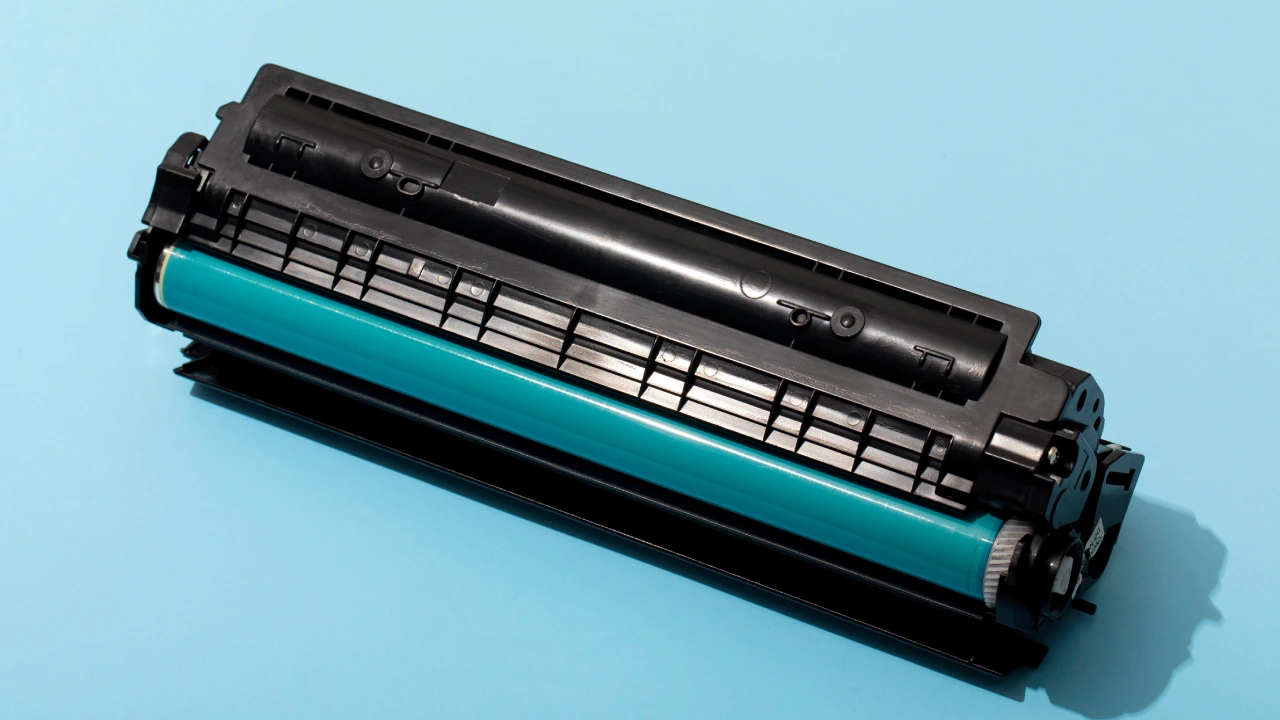
Printer toner cartridges are designed to last for thousands of pages, but eventually they will run out and need to be replaced. When a toner cartridge starts to become empty or worn out, your printer will often show clear signs that it’s time for a new one. Recognizing these signs early can help you avoid poor print quality and prevent interruptions during important printing tasks.
Below are some common signs that indicate your toner cartridge may need replacement.
1. Faded or Light Prints
One of the most noticeable signs of a low toner cartridge is faded or light printing. If your documents appear lighter than usual or the text is not as dark and clear as before, it usually means the toner powder inside the cartridge is running low.
This problem often becomes more visible when printing large documents, reports, or graphics. Replacing the toner cartridge will restore the normal print quality.
2. Lines or Streaks on Printed Pages
If you start seeing vertical or horizontal lines, streaks, or marks on printed pages, the toner cartridge may be wearing out. This can happen when the toner inside the cartridge is unevenly distributed or when internal components begin to degrade.
Sometimes gently removing the cartridge and shaking it from side to side can temporarily redistribute the toner, but this is only a short-term solution. In most cases, replacing the cartridge is the best option.
3. Low Toner Warning Message
Modern printers often include a low toner alert system. When the toner level drops below a certain point, the printer will display a message on the screen or your computer saying “Low Toner” or “Replace Toner Cartridge.”
While the printer may still continue printing for a short time after this warning appears, it’s a good idea to prepare a replacement cartridge so you don’t run out of toner unexpectedly.
4. Uneven or Patchy Printing
Another common indicator is uneven printing, where some parts of the page appear darker while other areas look faded or incomplete. This usually happens when the toner inside the cartridge is nearly empty or not distributed properly.
Uneven printing can affect both text and images and may become worse with each print. Replacing the toner cartridge typically resolves this issue immediately.
5. Printer Not Recognizing the Cartridge
In some cases, the printer may show an error message such as “Toner Not Detected” or “Cartridge Error.” This can occur if the toner cartridge is damaged, the chip is not functioning properly, or the cartridge has reached the end of its lifespan.
If reinstalling the cartridge does not fix the problem, installing a new compatible toner cartridge will usually solve the issue.
Final Thoughts
Keeping an eye on your printer’s performance can help you identify when a toner cartridge needs replacement. Signs such as faded prints, streaks on pages, low toner warnings, uneven printing, or cartridge errors often indicate that it’s time to install a new cartridge.